
 D0
D0Dermacolor, shade by shade
Dermacolor Shade Guide
Learn to observe depth, color direction and correction. Then compare the refills in our selection and find starting points for your composition.
This guide helps narrow your options, not guarantee an exact match. Screens, lighting, skin, application and mixing can change how a color appears.
Read color in three dimensions
Depth, direction and correction are different questions.
First observe how light or deep the skin around the area appears. Then consider its color direction, using a thin layer of color correction only where needed.
- 01
Depth
Compare the overall intensity, from very light to very deep.
- 02
Color direction
Observe whether the color looks warmer, neutral, olive or uncertain.
- 03
Correction
Target only the color difference that remains visible beneath a skin-tone shade.
Shade selection assistant
Find your starting points.
Answer a few questions to narrow the possibilities. The result suggests shades to compare, not an exact match.
Already know the code? Go to search →01 Depth02 Visual direction03 Correction
Indicative visual guidance
Your starting points
Compare two or three options on skin in thin layers and indirect natural light. Your screen is only an initial reference.
Color library
Compare shades side by side.
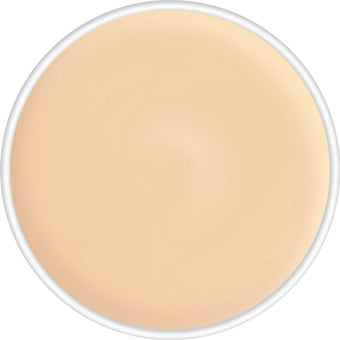
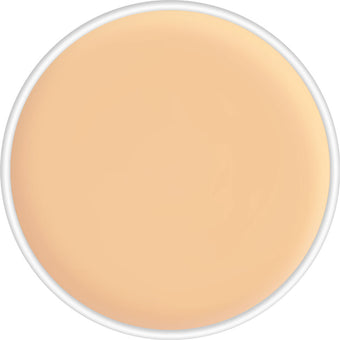
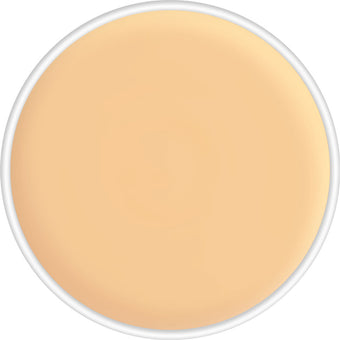
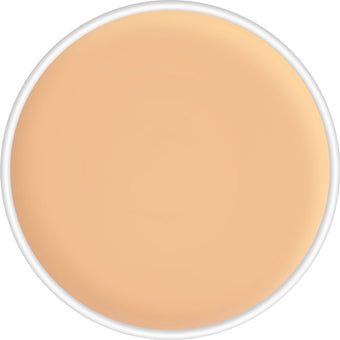
Search by code, use the filters or select up to three shades to compare. The scales are relative visual classifications by Paleta Studio, not official manufacturer shade-matching specifications.
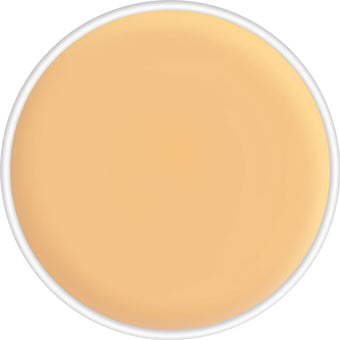
This guide covers the 42 shades in this Paleta Studio refill selection, not necessarily the entire Dermacolor range. Listing a shade here does not mean it is currently in stock.
D0 D1
D1 D6
D6 D7
D7 D1W
D1WVisual scale 1/7
D1W
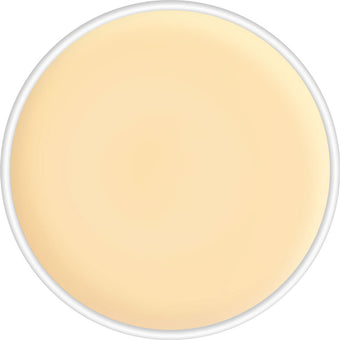
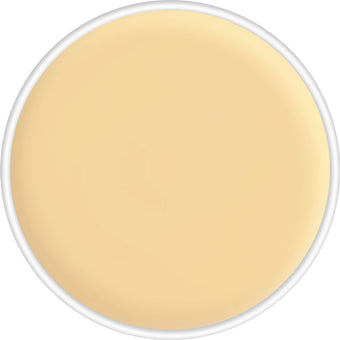
A lighter starting point for comparison or lightening mixtures. A warmer visual reading.
 D62
D62 DF1
DF1 D4
D4 D3
D3 D2
D2 D55
D55 D5W
D5WVisual scale 3/7
D5W
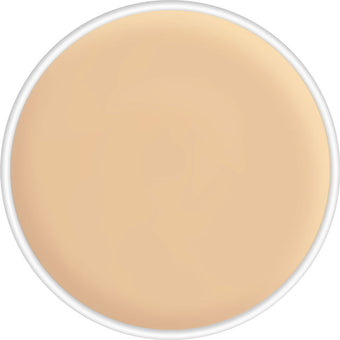
A transition between lighter and medium visual families. A warmer visual reading.
 D8W
D8WVisual scale 4/7
D8W
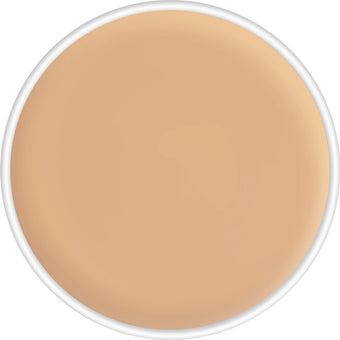
Medium depth for a base or a transition between shades. A warmer visual reading.
 D18
D18 D65
D65 D7W
D7WVisual scale 3/7
D7W
A transition between lighter and medium visual families. A warmer visual reading.
 D11
D11 D19
D19 D20
D20 DLO
DLO D15
D15 D4 1/2
 D8
D8 D66
D66 D51
D51 D4W
D4WVisual scale 2/7
D4W
Light depth for a base, comparison or adjustment. A warmer visual reading.
 D64
D64 DF2
DF2 DFD
DFD D5
D5 D13
D13 D2W
D2WVisual scale 2/7
D2W
Light depth for a base, comparison or adjustment. A warmer visual reading.
 D58
D58 D32
D32 D9W
D9WVisual scale 4/7
D9W
Medium depth for a base or a transition between shades. A warmer visual reading.
 D56
D56 D10W
D10WVisual scale 4/7
D10W
Medium depth for a base or a transition between shades. A warmer visual reading.
 D14
D14 D16
D16 D30
D30 D Red B
 D lavender veil
No results
Try another code or clear the filters.
A five-minute color check
Compare in the right conditions.
A useful reading depends on the light and the area you compare, not just the code.
A practical starting point: look for a shade that blends with the surrounding skin, not the discoloration you want to camouflage.
Use indirect natural light
Stand near a window, away from direct sun and strongly yellow or colored lighting.
Observe face, jaw and neck
For a specific area, compare mainly with the surrounding skin.
Choose two or three candidates
Compare neighboring shades rather than relying on one choice made on screen.
Work with a small amount
Soften a little cream and build coverage in thin layers.
Read the result, not just the code
Notice whether the application looks too light, deep, gray, yellow, pink or warm.
Color correction
Before covering, correct with a light touch.
Correctors may visually soften color differences. Apply a very thin layer before bringing the finish closer to the surrounding skin tone.
Salmon, peach and orange
These may help restore visual warmth before a skin-tone shade. Adjust the intensity to the depth of the surrounding skin.
D Red B · soft corrective green
Despite its code, the shade image used in this guide has a soft yellow-green appearance. Apply only over the redness in a thin layer before the skin-tone shade.
Lavender and violet
These may help restore visual balance when used in small amounts.
Deeper red and orange
These may add warmth to mixtures for deeper skin tones. Test and adjust gradually.
Mix with intention
The most natural-looking color may sit between two shades.
Make small adjustments to lighten, deepen, warm or neutralize. Avoid rigid recipes: skin, application area and product quantity change the result.
- Lighten: add a lighter shade a little at a time.
- Deepen: use small amounts of a deeper shade.
- Warm: move the mixture towards a more golden or peach family.
- Neutralize: apply a minimal layer of corrector before the skin-tone shade.
What does the result tell you?
Use the application to refine your choice.
When the depth seems close, color direction may be the remaining adjustment.
Does it look gray or flat?
The direction may be too cool or neutral. Compare a warmer alternative or reconsider the correction underneath.
Does it look orange or too warm?
The family may be too warm, or you may have used too much corrector. Compare a more neutral option.
Does the color look right, but too light?
Keep the visual direction and compare the next depth level.
Does the color look right, but too deep?
Keep the visual direction and compare a lighter option.
Does the color difference still show?
You may need a thin layer of correction before applying the skin-tone shade.
From mixing to setting
Build coverage in thin layers.
Start with a small amount and follow the product instructions.
- 01
Prepare
Cleanse and moisturize the skin.
- 02
Soften
Work a small amount of cream on the back of your hand.
- 03
Build
Press on thin layers.
- 04
Set
Finish with Dermacolor Fixing Powder.
Choose with greater clarity
Common questions about shades.
Skin, lighting and technique remain part of the decision.
Will the assistant find my exact shade?+
No. It narrows the possibilities and suggests starting points based on your answers. Confirmation depends on testing on skin in real lighting.
Does the guide show the exact color?+
Images are those linked to the product variants, but screens and light change how they appear. Use the code as your main reference and test a small area where possible.
Why does D Red B look green?+
D Red B is a shade code, not a literal color description. The supplied Kryolan shade image used by this guide has a soft yellow-green appearance. Paleta Studio therefore groups it as a corrector for the visual appearance of localized redness.
Can I mix the shades?+
Yes. Start with small quantities and adjust gradually, observing depth and color direction separately.
Skin tone, corrector or mixing adjustment?+
A skin-tone shade brings the finish closer to the surrounding skin; a corrector balances a color difference; an adjusting shade changes a mixture.
Which palettes fit these refills?+
The 4 g refills are used in compatible six-, twelve- and twenty-four-color Dermacolor palettes.
Should I use setting powder?+
The source application routine includes Dermacolor Fixing Powder. Follow its instructions to complete the setting step.
Are these every Dermacolor shade that exists?+
Not necessarily. This guide follows the 42 variants in this Paleta Studio refill selection. Stock availability is separate.
Does this replace an in-person test?+
No. It is visual guidance and a starting point, not a guaranteed match.
Your composition starts here
Choose the shades. Give your palette shape.
Explore individual refills, custom compositions and ready-made palettes.
Paleta Studio is an independent store and does not officially represent Kryolan. The suggestions are educational guidance and visual classifications, not guaranteed matches or medical recommendations.
Shade comparison0 of 3 selected